01 +
Voice notes on plans
Drop a pin, speak. Transcribed automatically. Searchable.

Pin the defect, speak the note, photograph it — on a PDF plan, a site photo, a walkthrough video or a 3D IFC model. Then export every pin and every comment as a PDF report, straight from the file, with no task setup first. Used by site supervisors, snagging leads and BIM coordinators in Spain, Canada and Ukraine.
GDPR-aligned · Free plan, no card
You take a photo on site. You send it to WhatsApp. You write a note in your notebook. By 7 pm, half the context is gone. Construction teams lose more than 14 hours a week — about a third of their time — to chasing information, resolving conflicts and redoing work that started as a missed detail in the field (FMI/PlanGrid, 2018).
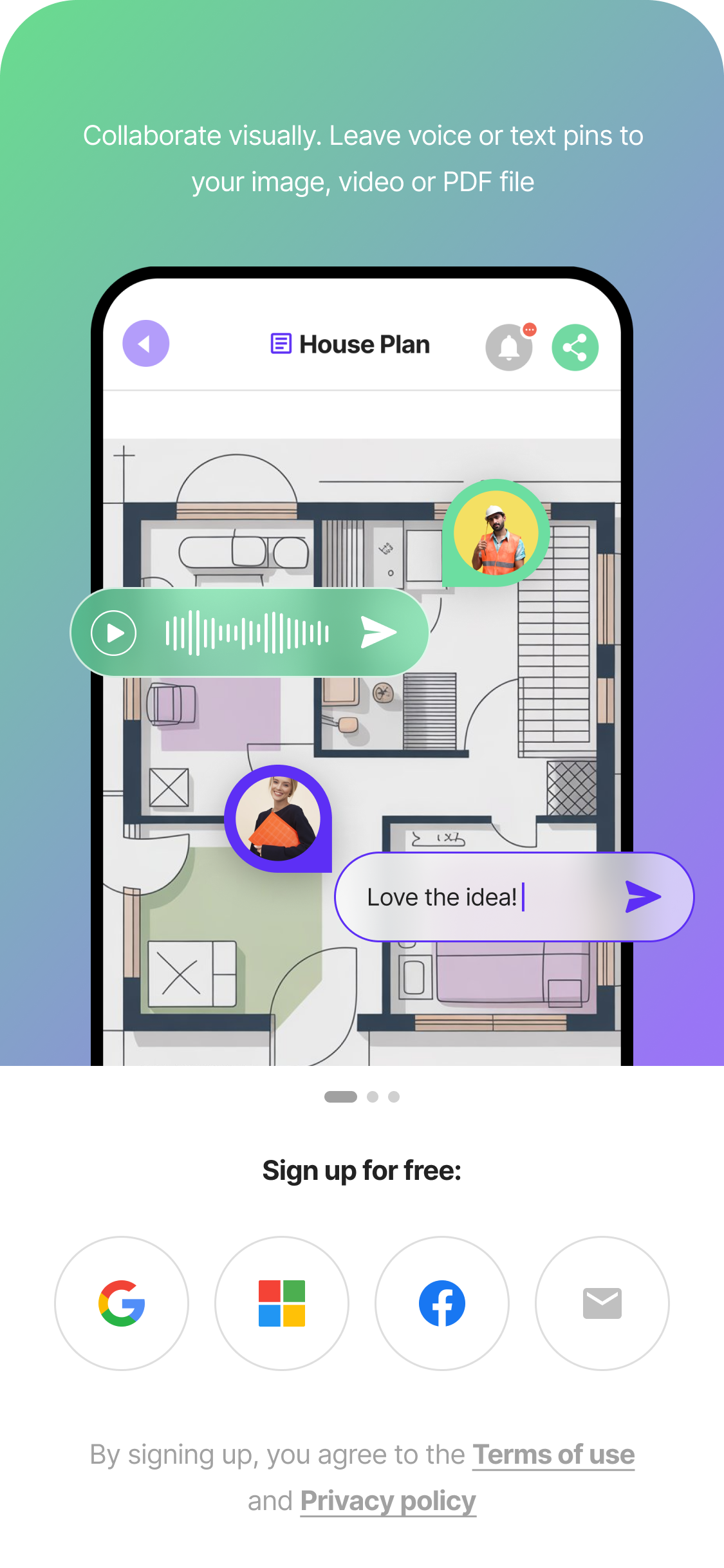
Open a floor plan — or a 3D model — tap once, leave a voice note or a photo. The pin stays exactly where you put it, with full context attached. No more vague descriptions like "there's a crack on the north wall" — point at it, speak about it, and your team sees the exact same view you did.
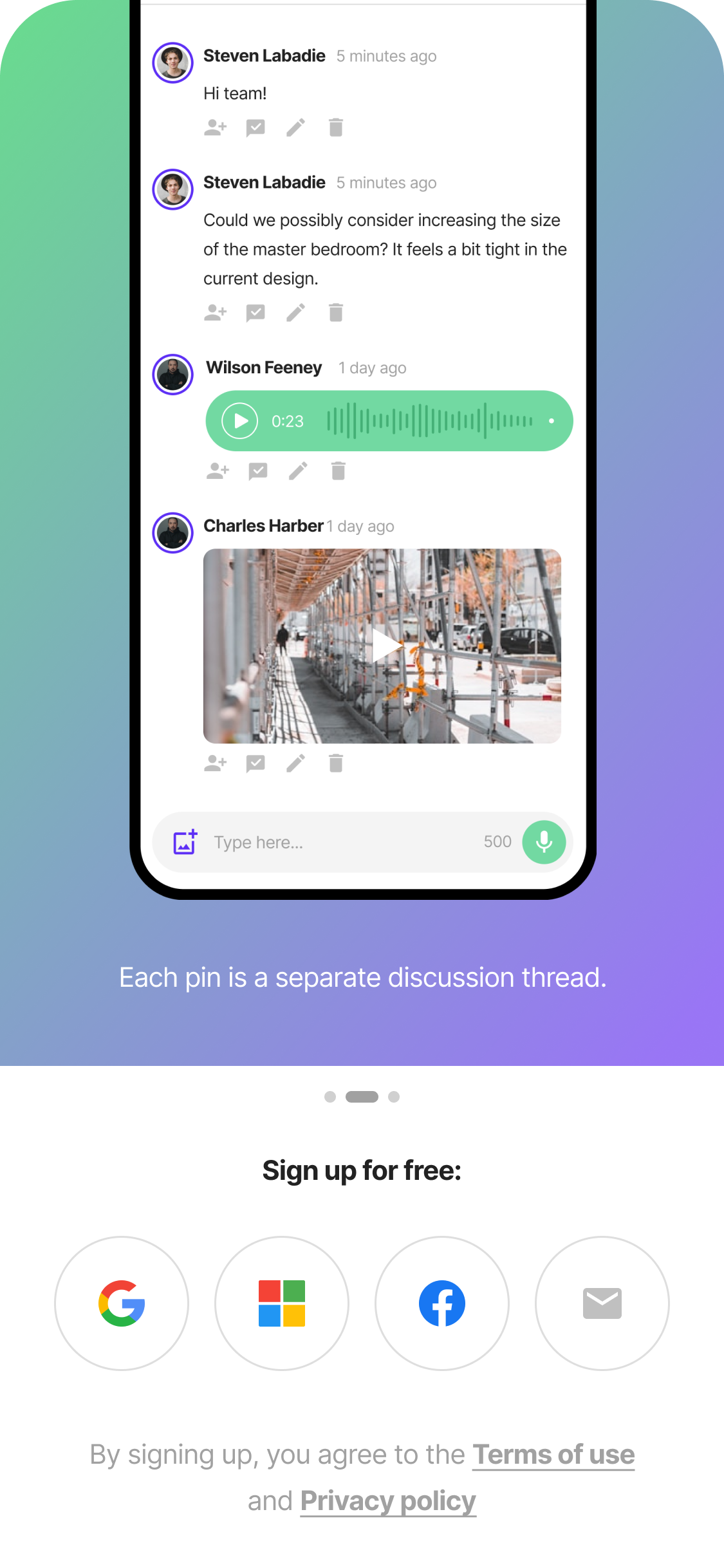
Tag a teammate. They open the same plan and see the same pin — with your voice note, photo, and text comment all in one place. No more "which file was that?" No more scrolling through 200 WhatsApp messages to find the photo someone sent on Tuesday.
Every pin becomes part of a structured record you can review and share with your team or guests. Export formats are built around real customer workflows — if you need a specific report layout, PDF defect list, or CDE integration, talk to us. No retyping at night. No more reconstructing the day from memory at 9 pm. Your documentation is done the moment you place the pin — timestamp, author, voice transcript, and visual context all preserved.
Voice-first. Glove-friendly. Works on the phone you already carry — no extra hardware, no special training. Tested on dusty sites, in cold weather, with one bar of signal. PinMy is designed for the way you actually work, not for an idealised office workflow.
Critical decisions get buried in WhatsApp threads and email chains. PinMy keeps every comment, voice note, and task pinned to the exact spot on the plan — then hands the whole thing over as a PDF report or a BCF file.
Drop a pin, speak. Transcribed automatically. Searchable.
Same workflow on every file type your team handles.
Read serial plates, labels, printed plans automatically. Premium feature.
Pin comments on specific moments of walkthrough videos. Premium feature.
See all projects geolocated. Open any pin from anywhere.
Reply to any comment — a voice note, your own, or another reply. One chronological feed, never nested.
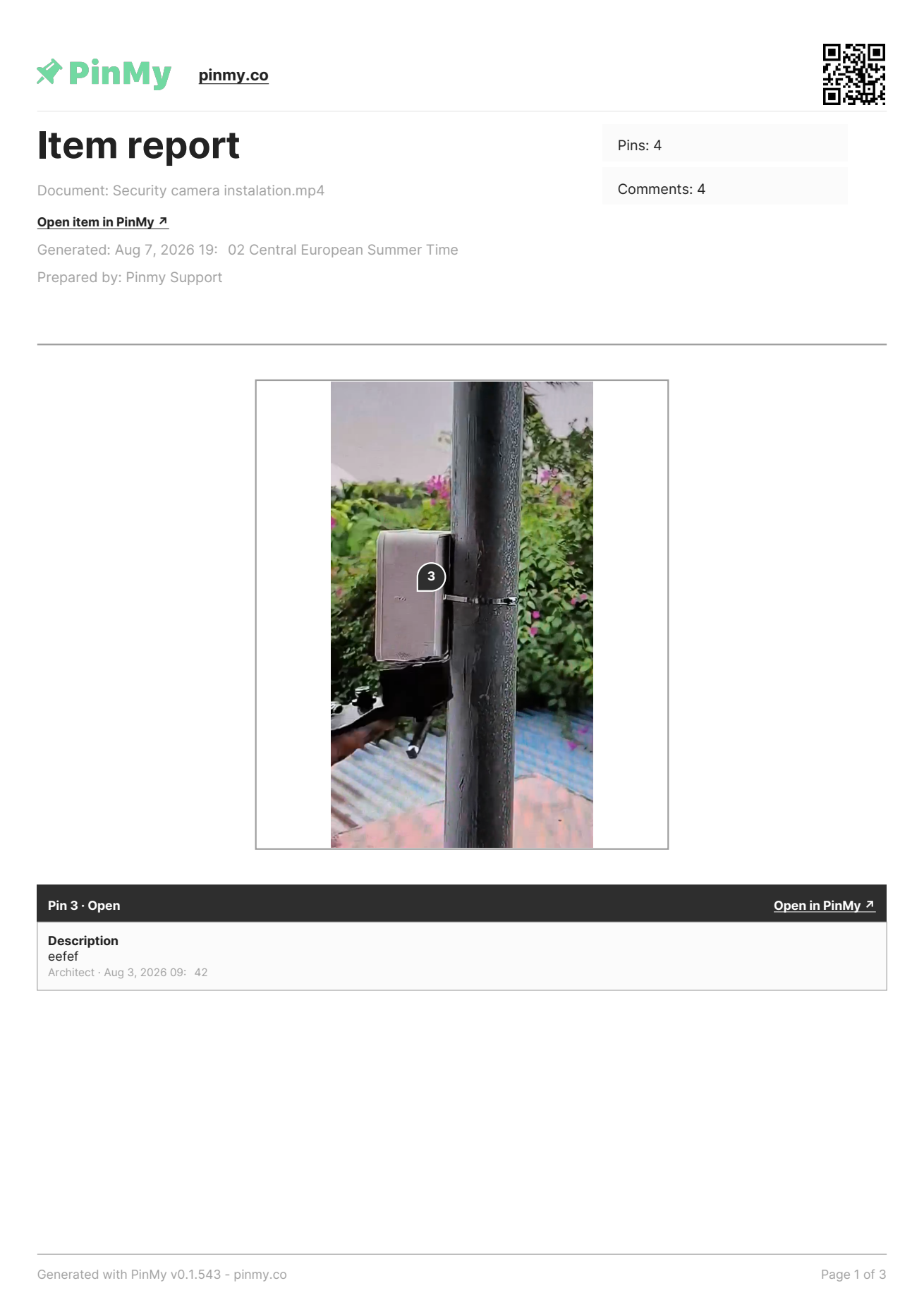
Every pin and every comment, straight from the file. No assignment, no board, no setup. In beta.
Status, open only, done only, per-assignee, or today's activity. Same layout every time. In beta.
Exchange IFC issues with Revit, Navisworks or Solibri as BCF 2.1 files. In beta.
Reporting used to start on the Kanban board: if nobody had been assigned, there was nothing to report. But most real site work does not begin that organised — a photo survey, a client markup, a quick walkthrough. So now you can export a complete PDF straight from the file itself, with no task setup at all.
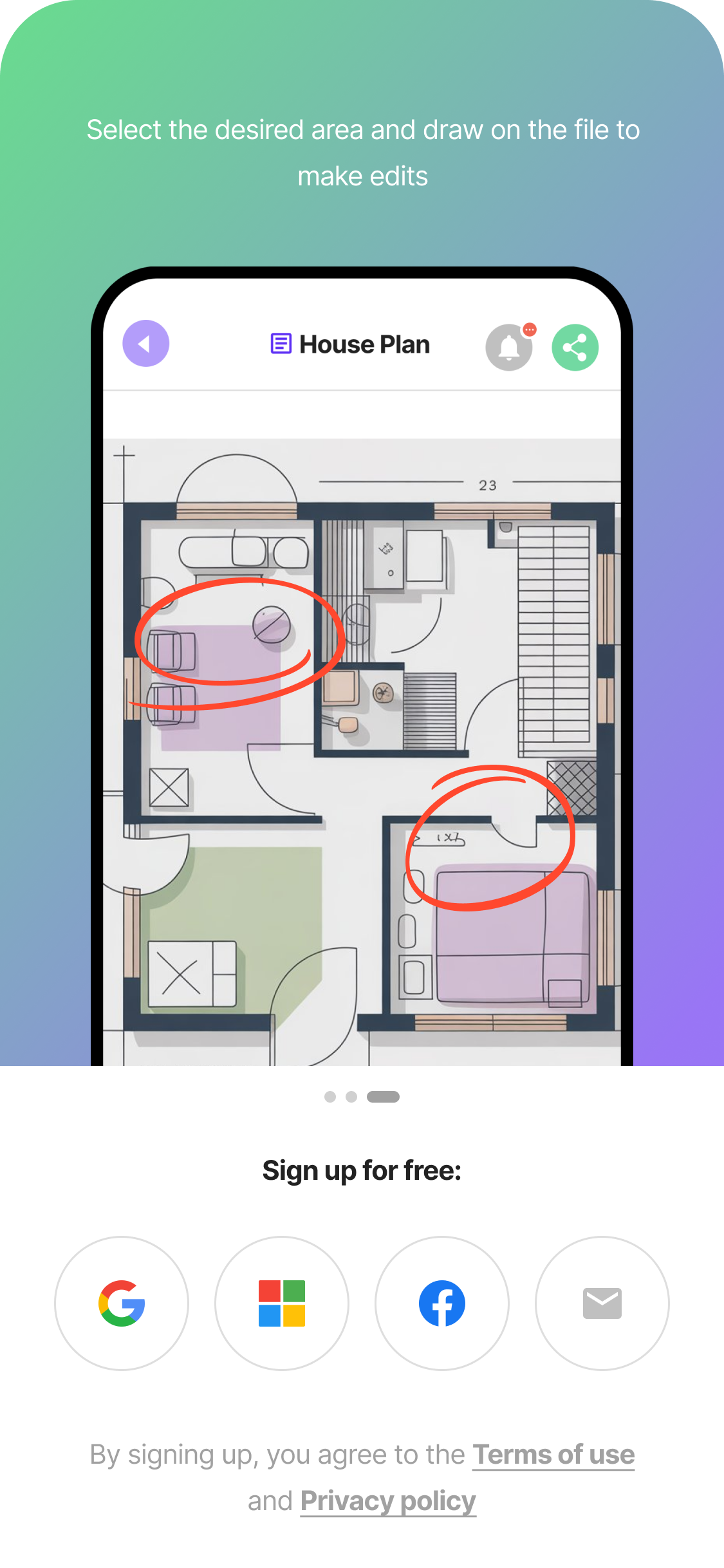
Drawing on plans is the fastest way to mark an issue when words won't do. PinMy supports freehand sketching directly over any PDF, photo, or floor plan — with the simplicity of a pen on paper and the traceability of a digital record.
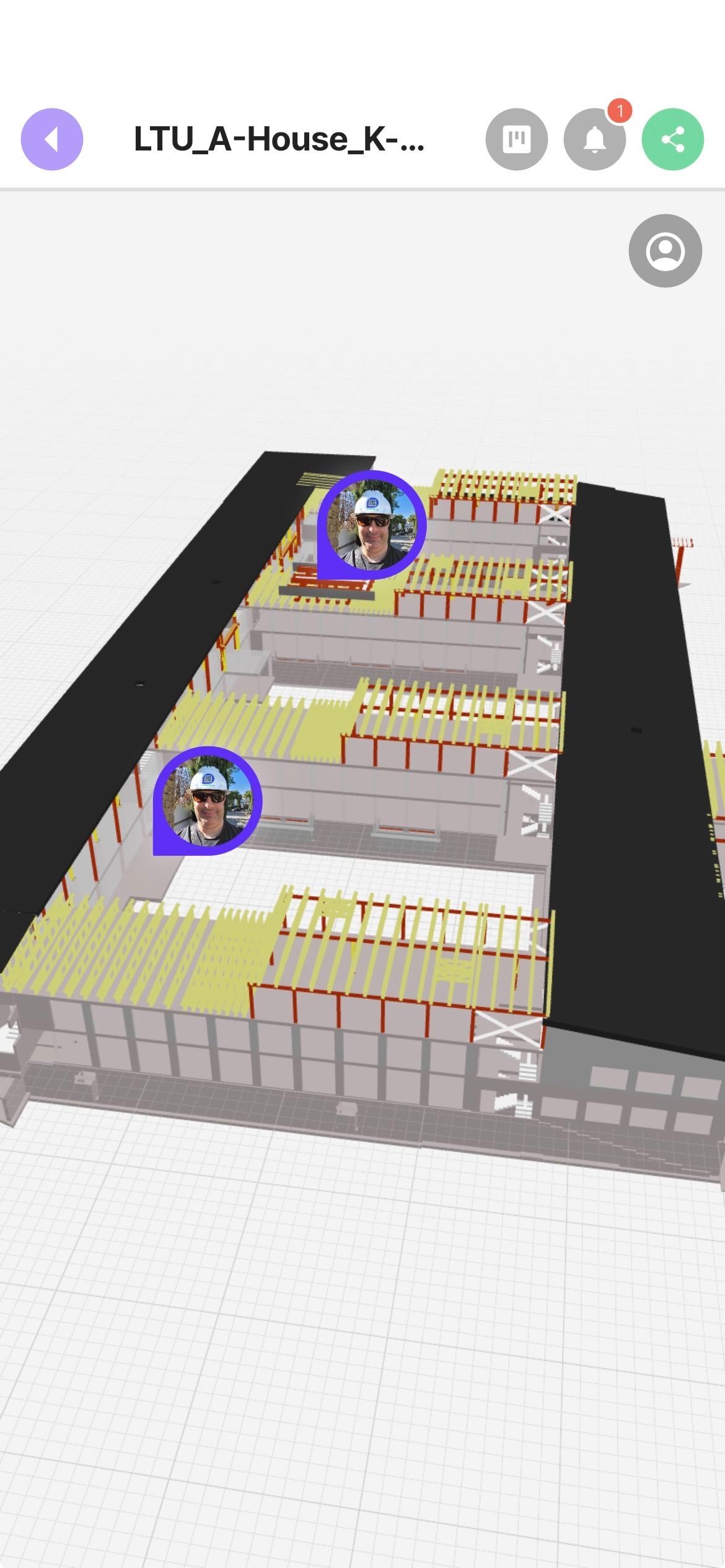
Upload an IFC file and PinMy turns it into a fast, lightweight 3D model on any phone. Drop pins on the building and attach a photo, voice note, text, video, or PDF — the same capture and collaboration layer you use on PDFs, now on 3D. And with BCF 2.1 import and export, issues move both ways between PinMy and the desktop BIM tools your coordinator already runs.
Document punch lists, run quality controls and pre-write your site report — without going back to the office.
↗Bring office-built models to the field. Upload an IFC and PinMy converts it to a lightweight 3D model that opens on any phone — then capture field issues as visual pins directly on the 3D model, with photo, voice, or video. Import a clash list as BCF so site staff see it without a desktop BIM licence, and export their findings back the same way.
↗Replace 14 WhatsApp groups with one mobile tool. Site coordination shouldn't live between lunch plans and personal banter.
↗A traceable record of every defect, every claim, every fix. Disputes resolve themselves.
↗Remote visibility into what's actually happening on site. Open PinMy on the web and see today's real state of work without making a single phone call.
↗Pin install issues on site photos, satellite views and floor plans. Capture serial numbers with OCR.
↗Walk the property, pin what you find on the photos, export the PDF before you are back at the car. The deliverable is finished the same day, and nothing had to be assigned to anyone first.
↗An ad-hoc issue on a floor plan, with no workflow set up and no board to maintain. Comment, pin, export the report — the Kanban board stays untouched.
↗Most construction software analyses data after someone has already typed it into another system. By then, half the context is missing and the field worker has moved on.
PinMy sits at the moment of creation — the field worker speaks, photographs, draws, and the record is structured for the rest of the team automatically.
This is what the construction industry calls the authoring layer. It's where the data is most valuable, and it's the layer that's hardest to replace once teams adopt it.
Reference: Zacua Ventures, "AI for Construction Industry Report" (2026); C-Tech Club, "Catalogue of Construction Technology Types 2025".
Easily capture screenshots that will be automatically added to your PinMy. Share your insights effortlessly.
Get the extension ↗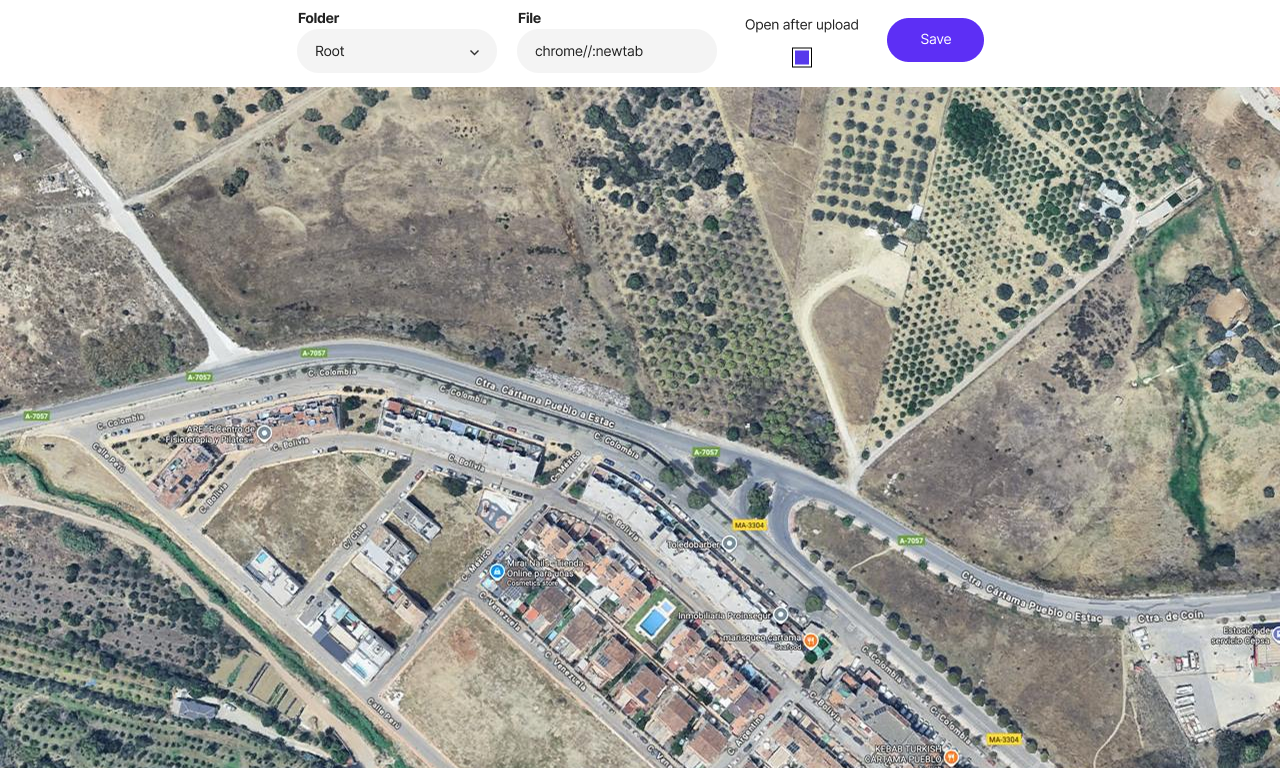
"PinMy has revolutionized the way my team collaborates on projects. As a BIM consultant, clear communication and seamless document sharing are essential. We annotate plans, share feedback in real-time, and stay organized across devices — all while promoting paperless workflows."

"Working in advertising and marketing for many years we faced one main issue with our clients — feedback efficiency. When I stumbled on PinMy I couldn't believe my eyes. Finally a platform that makes any feedback as clear as something a 10-year-old can understand."

"PinMy has streamlined my pre-listing communications and subcontractor coordination. As a Realtor, working with stagers, painters, and handymen is much easier with visual updates and shared notes."

"As a professional photographer, I appreciate PinMy's simplicity and effectiveness. It streamlines my photo management without unnecessary complexity, enhancing both my iPhone and iPad workflow."

"For years we'd been searching for a tool to handle communication before, during, and after a construction project, and with PinMy our search is finally over. Planning, execution, and project history all solved with a single app that's simple, intuitive, and constantly evolving."

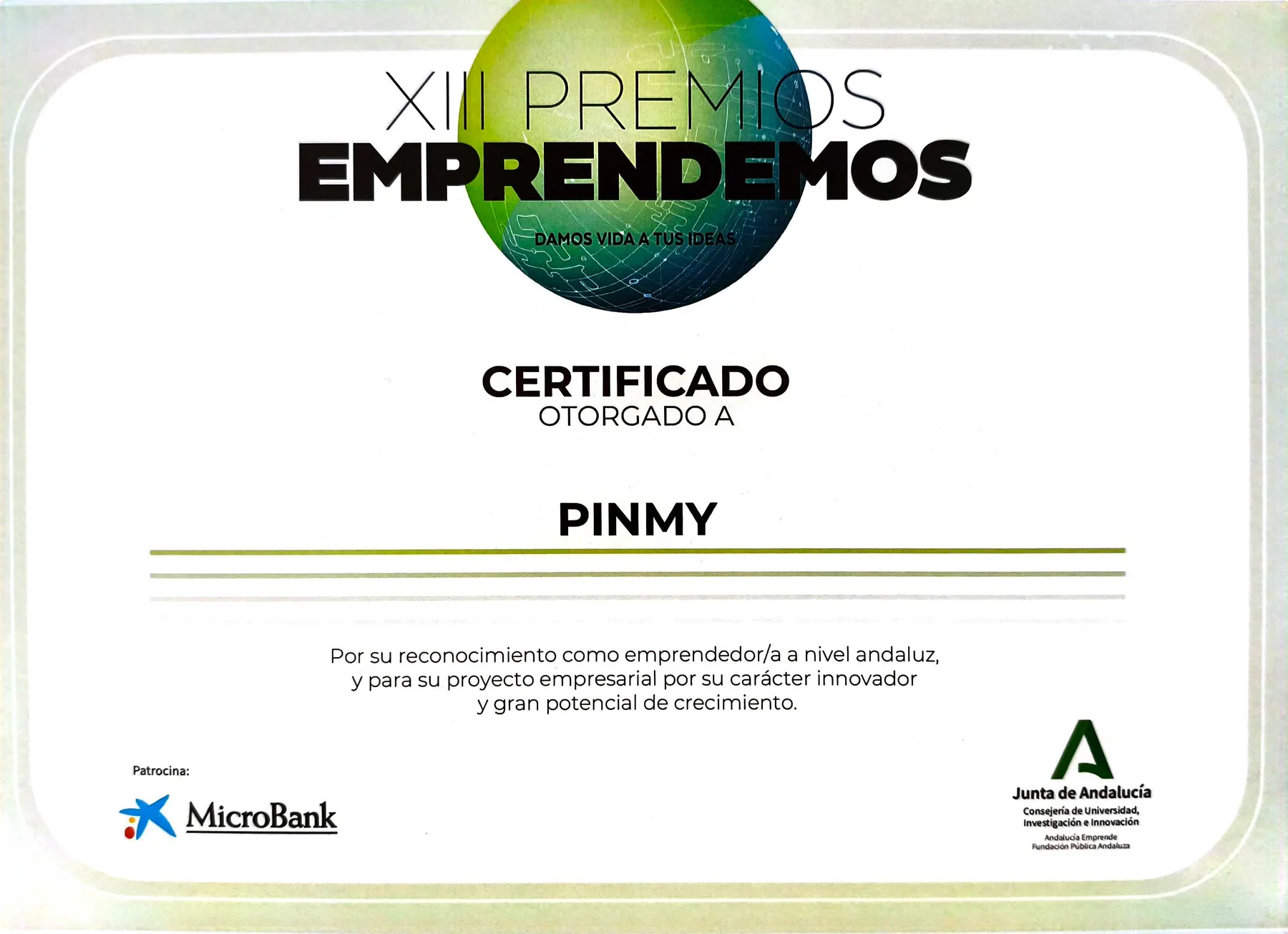
PinMy has been selected as a finalist at some of Spain's leading construction and technology events, and recognised by the regional innovation ecosystem of Andalucía. We're building PinMy alongside the people shaping the future of how teams build, collaborate, and document work on site.

Cascade Funding (part of the Sploro ecosystem) - Featured Partner program.
Cascade Funding is the go-to platform for cascade funding projects across Europe. It helps organisers promote their open calls and manage operations seamlessly, while connecting applicants to exciting EU-funded opportunities. PinMy was named a Featured Partner in 2026, joining a curated network of tools shaping how European teams build, collaborate, and scale.
Visit Cascade Funding ↗
A Vancouver-based BIM consultancy delivering BIM, VDC, and Digital Twin services on airport, healthcare, and large-scale residential projects across North America. Part of the PinMy customer community since 2025.
Visit Luttec ↗
Technology engineering specialising in home automation systems. Uses PinMy as the communication hub for all its projects. Part of the PinMy community since 2025.

Strategic partner for Local Digital Twins and smart-community adoption — facilitation, training and community engagement for public-sector projects. Partnering with PinMy since 2026.
Visit Saule SIA ↗Experience the power of PinMy for free. Our Free plan doesn't require any credit card details. Enjoy exploring PinMy and take advantage of all the benefits it offers.
EU businesses with a valid VAT number are not charged VAT (reverse charge) and pay the net price — but only when subscribing here on the web. The App Store and Google Play cannot apply reverse charge.
Price excludes VAT. What applies depends on your country and is shown before you confirm payment. On the App Store and Google Play the store sets its own local price.
If you have any questions, please contact us in any convenient way.
Fill out the form below:
Handy calculators for site and security teams — no sign-up, no limits. More on the way.
Estimate concrete volume, cement, sand, gravel and the number of bags for slab, strip, column and pile foundations — with a live 3D preview. Metric & imperial.
Open tool Sheets & lumberEstimate formwork contact area, plywood sheets and lumber for slab, strip, column and pile foundations. Metric & imperial.
Open tool RAID & storageWork out camera bitrate, total throughput, recording storage and how many hard drives to buy — including RAID sizing — for a dependable CCTV install.
Open tool Mobile checkCheck if a heavy IFC model will work on your phone. Enter file size, detail level and device — get an instant readiness score and practical tips.
Open tool Spain BIMCheck whether Spanish public procurement law requires BIM for your tender. Based on official Plan BIM thresholds — free, instant, role-specific.
Open tool ROI estimateEstimate how much poor coordination and rework cost your project — and the savings from digitising site processes. All assumptions are yours to edit.
Open tool Local-onlyOpen a BCF XML 2.0 / 2.1 archive in your browser, inspect issues, comments and snapshots, then print the filtered selection. Your file stays on your device.
Open tool Local-onlyOpen a FIEBDC-3 / BC3 construction budget locally. Inspect chapters, quantities, prices, resources and diagnostics, then print the filtered selection.
Open tool Layout previewPlan rectangular tile or paver layouts, compare straight, staggered and diagonal patterns, avoid thin edge cuts, and estimate boxes.
Open tool